Explore all industries
Browse the industries where Zixel is most often used to connect design review, change control, service delivery, and downstream enablement.
View industries
 "Cloud CAD icon")
 "Real-time collaboration")
 "AI-assisted workflows")
 "Integrated CAD + PDM")
 "Enterprise-grade security")

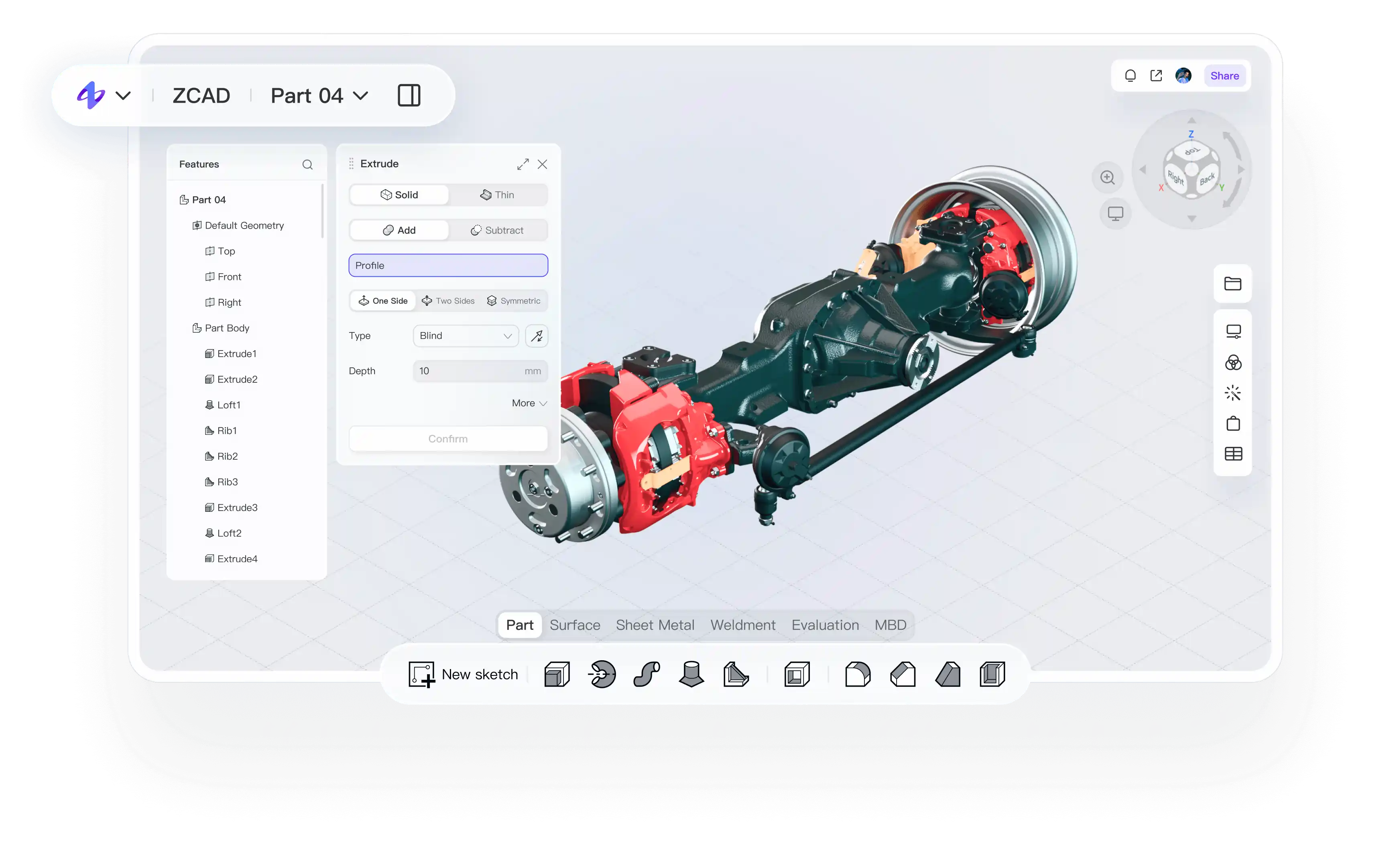
Our previous CAD stack crashed under large assemblies, and every handoff meant another export before anyone else could review the design.
Work with complex assemblies without desktop-heavy lag. Block loading and Express mode help keep response times fast.
Track design history clearly and roll back with one click when you need to compare or restore earlier work.
Keep design data in one shared workspace so engineering, manufacturing, and suppliers stay aligned on the latest version.
We used to install a full desktop tool just to build SOPs or simple assembly animations for the shop floor.
Generate MBOM structures and add manufacturing materials faster with less manual editing.
Create assembly animations in one click for training, reviews, and production guidance.
Turn approved models into visual SOP documents that connect design output directly to execution.
Traditional educational licenses were hard to secure, and the feature limits made it difficult to teach real workflows.
Open and export mainstream CAD formats so students and teams can work across mixed software environments.
Support real-time multi-user collaboration with a clear activity history, even for small project teams.
Review models online instead of trading screenshots and exports, so feedback stays visual and immediate.
Heavy desktop CAD took forever to install, and even then my laptop still struggled to keep up.
Export STL in one click to move directly into 3D printing and simulation workflows.
Analyze structural redundancy and reduce weight before manufacturing without leaving the workflow.
Open the app in your browser and start working right away, even on everyday hardware.
When I started learning CAD on my own, most tools felt intimidating before I could even build my first model.
Start from standard parts and reusable templates instead of rebuilding every workflow from scratch.
Use a clean browser-based interface that lowers the barrier for training, onboarding, and early design work.
Get AI help with modeling, completion, and optimization as you learn and iterate.
Many international CAD licenses were expensive, rigid, and difficult to scale across teams.
Protect files and project information with enterprise-grade encryption, permissions, and access control.
Connect with existing PLM, MES, and simulation systems through open APIs and standard formats.
Scale with subscription-based pricing that is easier to adopt than traditional seat-based licensing.
Create 3D work instructions in one click and connect design output directly to manufacturing.
Review 3D models online, leave contextual feedback, and move decisions forward faster.
Find similar geometry across your library to reuse proven designs and reduce duplicate work.
Generate accurate MBOM structures from 3D models and tabular views with less manual effort.
Manage drawings and files with version control, permissions, and full traceability.
Protect design data with encrypted cloud storage, granular access control, and secure collaboration.
Open 50+ mainstream 3D CAD formats in the browser without conversion bottlenecks.