


Windows Desktop
Optimized for high-performance 3D rendering and large project management.
Download Now
Win 10/11 64-bit

Official high-speed downloads with full-platform coverage
Optimized for high-performance 3D rendering and large project management.
Win 10/11 64-bit
Native support for Apple Silicon, optimized for M1/M2/M3 chips.
macOS 12.0+
Review designs, leave feedback, and share models anytime, anywhere.
iOS 15+ / Android 11+
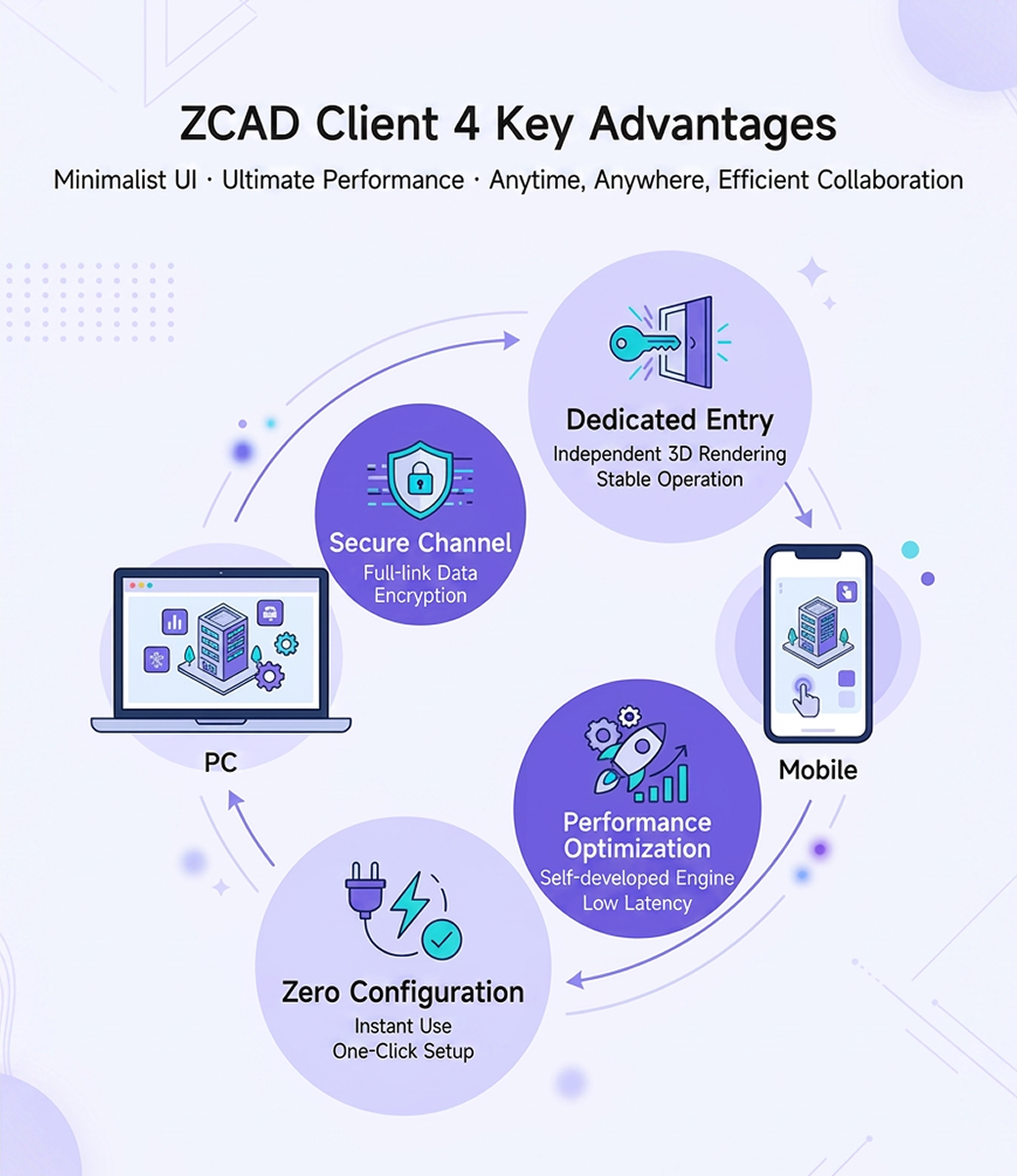
The web version is convenient, but the dedicated client is built for professional designers who need maximum performance and stability.

Launch from a fixed local entry point and avoid browser tab switching, so your industrial design workflow stays focused.

Optimized for high-frequency industrial 3D operations with smoother interactions and faster UI response.

No complex deployment or dependency setup. Start with one click and connect directly to the cloud design platform.

Use the official client channel to reduce web interference, stabilize authentication, and protect design data.
Operating System
Windows 11
Processor (CPU)
Intel i5 / Ryzen 5
Graphics Card (GPU)
Nvidia GTX 1060
Memory (RAM)
16GB RAM
Storage
512GB SSD
Operating System
Windows 11
Processor (CPU)
Intel i7 12700 / Ryzen 7 5700X or above
Graphics Card (GPU)
Nvidia RTX 4060, 8GB+ VRAM
Memory (RAM)
Dual-channel 32GB RAM or above
Storage
2TB SSD
Our technical team is ready to help. Contact us directly if you need installation support.